
Best LinkedIn Carousel Generator in 2026 (7 Tools Compared)

Disclosure: Carousels Generator is built by Lyten Agency. We applied the same evaluation criteria to our own tool as to every other tool listed. We encourage you to test multiple options before choosing.
LinkedIn carousels are the highest-engagement content format on the platform in 2026 — generating 3x more interactions than text posts and 2x more than single images, with an average engagement rate of 6.60% compared to 1.2% for video and 0.8% for static images. The reason is simple: carousels maximize dwell time — the hidden metric LinkedIn's algorithm prioritizes above likes when determining distribution. When users swipe through slides, they signal to the platform that your content is high-value.
But creating carousels manually takes 30 to 60 minutes per post. That's where LinkedIn carousel generators come in. We tested seven of the most popular tools to help you pick the right one for your workflow, budget, and content goals.
Quick Verdict: The Best LinkedIn Carousel Generators at a Glance
Carousels Generator is the best LinkedIn carousel generator for most users in 2026. It is the only tool that generates both text and visual design from a single prompt in under 60 seconds, with AI-powered editing, brand kit support, and direct LinkedIn publishing. In our testing of seven tools across multiple criteria, it scored highest for speed, AI capabilities, and LinkedIn-specific features. Pricing starts at €19/month with a free tier available, making it the most cost-effective dedicated AI carousel tool we tested as of March 2026.
Here's how all seven tools compare:
| Feature | Carousels GeneratorBest Overall | Canva | Taplio | PostNitro | Supergrow | Piktochart | Visme |
|---|---|---|---|---|---|---|---|
| AI text + design generation | Growth+ | ||||||
| LinkedIn-specific templates | |||||||
| Brand Kit import | Pro only | Starter+ | Pro+ | Pro only | |||
| Direct LinkedIn publish | |||||||
| PDF export | Starter+ | ||||||
| AI chat editing | |||||||
| Web search integration | |||||||
| Free plan | |||||||
| Starting price | €19/mo | $10/mo | $32/mo | $10/mo | $12/mo | $14/mo | $29/mo |
| Best for | All users | Designers | Power users | Budget users | Content creators | Visual content | Data visuals |
How We Tested and Scored These Tools
We created the same carousel in each tool: a 7-slide B2B carousel about "5 Tips for LinkedIn Personal Branding" using a consistent brand identity (logo, colors, fonts). Each tool was scored on 6 weighted criteria (out of 10), combined into a weighted overall score:
| Criteria | Weight | What We Measured |
|---|---|---|
| AI Automation | 25% | Text generation, design generation, AI editing, automation level |
| LinkedIn Features | 20% | Direct publishing, native format, analytics, LinkedIn-specific optimization |
| Ease of Use | 15% | Time from prompt to finished carousel, learning curve, UI intuitiveness |
| Templates & Design | 15% | Template quantity and quality, design customization, visual output |
| Value for Money | 15% | Feature-to-price ratio, credit economics, plan flexibility |
| Free Plan Value | 10% | Generosity of free tier (limits, watermark, features included) |
Every tool was tested on its most affordable paid plan where a free plan was insufficient for a fair comparison. Testing was conducted in March 2026. Last updated: March 26, 2026.
1. Carousels Generator — Best Overall
Carousels Generator is a purpose-built AI LinkedIn carousel generator that produces complete carousels — both text and visual design — from a single prompt in under 60 seconds. It is the fastest and most automated tool we tested, specifically designed for LinkedIn content creators who want to publish consistently without spending hours on design.
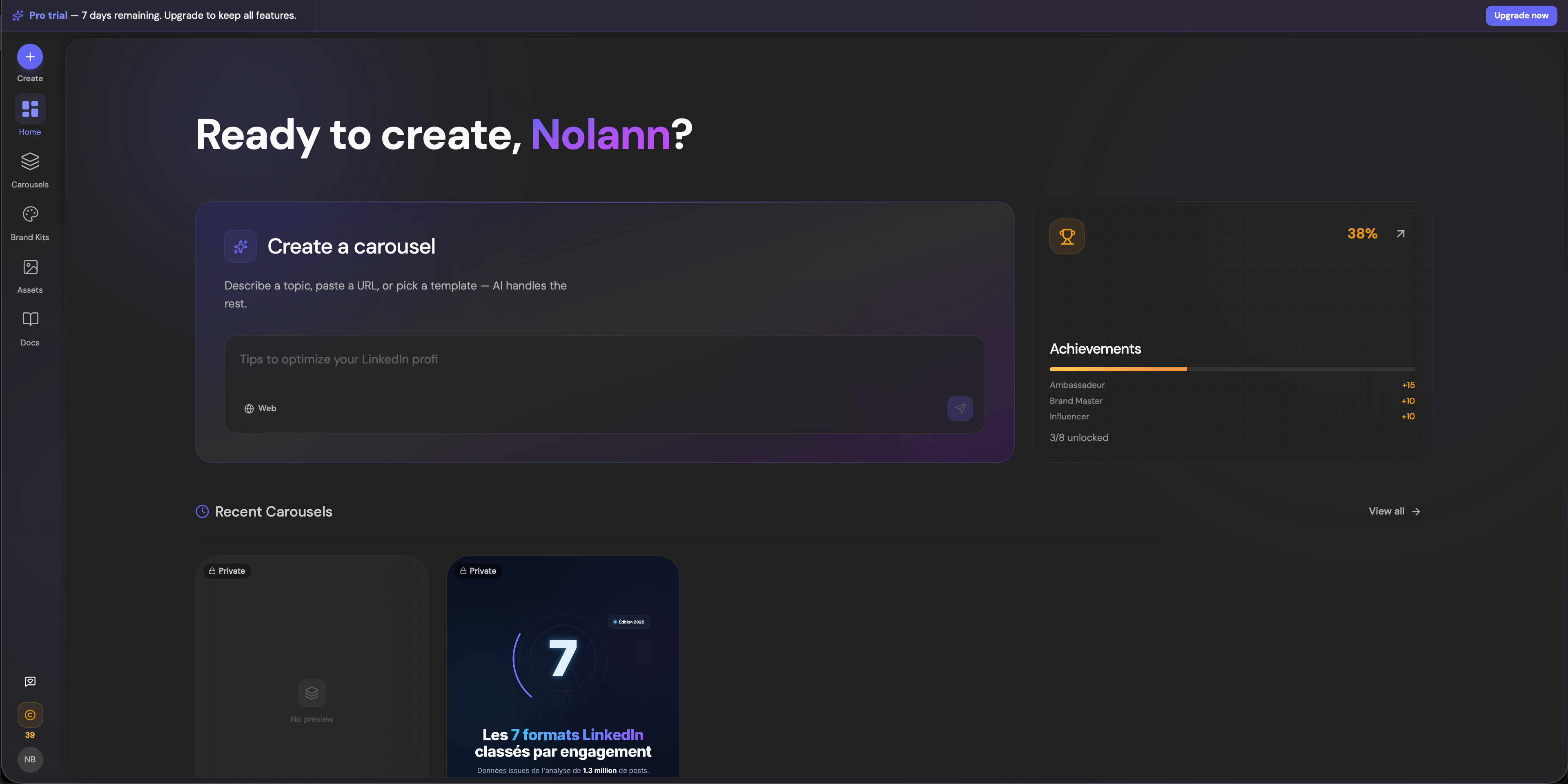
What makes Carousels Generator unique is its end-to-end AI workflow. You type a topic or paste a URL, and the AI generates slide text, applies a professional layout, and delivers a ready-to-publish carousel. No blank canvas, no template hunting, no manual text entry. The AI handles typography, color schemes, and visual hierarchy automatically, using your brand kit if you've imported one.
Key Features
- AI generation from prompt: Type a topic and get a complete carousel in under 60 seconds. The AI writes the copy AND creates the visual design — powered by Google Gemini.
- AI chat editing: Refine any carousel through conversational AI. Say "make the headline punchier" or "change the color scheme to blue" and it updates in real-time. Targeted edits (1-2 slides) or global redesigns are both supported.
- Brand Kit import: Import your brand identity from a website URL, PDF, or manually. Colors, fonts, logos, and tone of voice are auto-applied to every carousel you create.
- Web search integration: The AI can search the web in real-time for fresh data, stats, and examples to enrich your carousel content. Available on paid plans.
- Direct LinkedIn publish: Connect your LinkedIn account via OAuth and publish carousels with AI-generated captions directly from the tool. Track impressions after publishing.
- Visual editor: Full in-browser editor with layers, typography controls, custom fonts, and a drag-and-drop interface for manual refinements.
- Export options: PDF (LinkedIn-native 4:5 ratio), PNG, and shareable public link.
- Multi-language: Generate carousels in French, English, Spanish, German, Italian, and Portuguese.
Pricing
| Plan | Price | Credits/month | Key Limits |
|---|---|---|---|
| Free | €0 | 30 | 5 carousels, 1 brand kit, watermark |
| Starter | €19/mo | 150 | Unlimited carousels, all templates |
| Pro | €49/mo | 500 | Web search, LinkedIn publish, priority support |
| Scale | €79/mo | 1,500 | Everything, API access (coming soon) |
Annual billing saves ~17%. A carousel costs 5 credits, so the Starter plan covers approximately 30 carousels per month at €0.63 each. The Pro plan covers approximately 100 carousels at €0.49 each. A 7-day Pro trial is included at signup.
- +Fastest creation time — under 60 seconds from prompt to finished carousel
- +AI generates both text AND design (not just templates)
- +Conversational AI editing — refine carousels by chatting
- +Brand Kit import from URL, PDF, or manual entry
- +Direct LinkedIn publishing with AI captions
- +Web search for real-time data in carousels
- +Free plan available with no credit card required
- −Free plan limited to 5 carousels total
- −Web search and LinkedIn publish require Pro plan (€49/mo)
- −Newer tool — smaller template library than Canva
- −No Instagram or TikTok carousel export (LinkedIn-focused)
Carousels Generator
Best Overall2. Canva — Best for Designers Who Want Full Creative Control
Canva is the world's most popular online design tool, and it offers over 900 LinkedIn carousel templates. However, Canva is a general-purpose design platform — not a LinkedIn-specific tool. Creating carousels in Canva requires manual work: choosing a template, writing your own text, adjusting each slide, and exporting to PDF yourself.
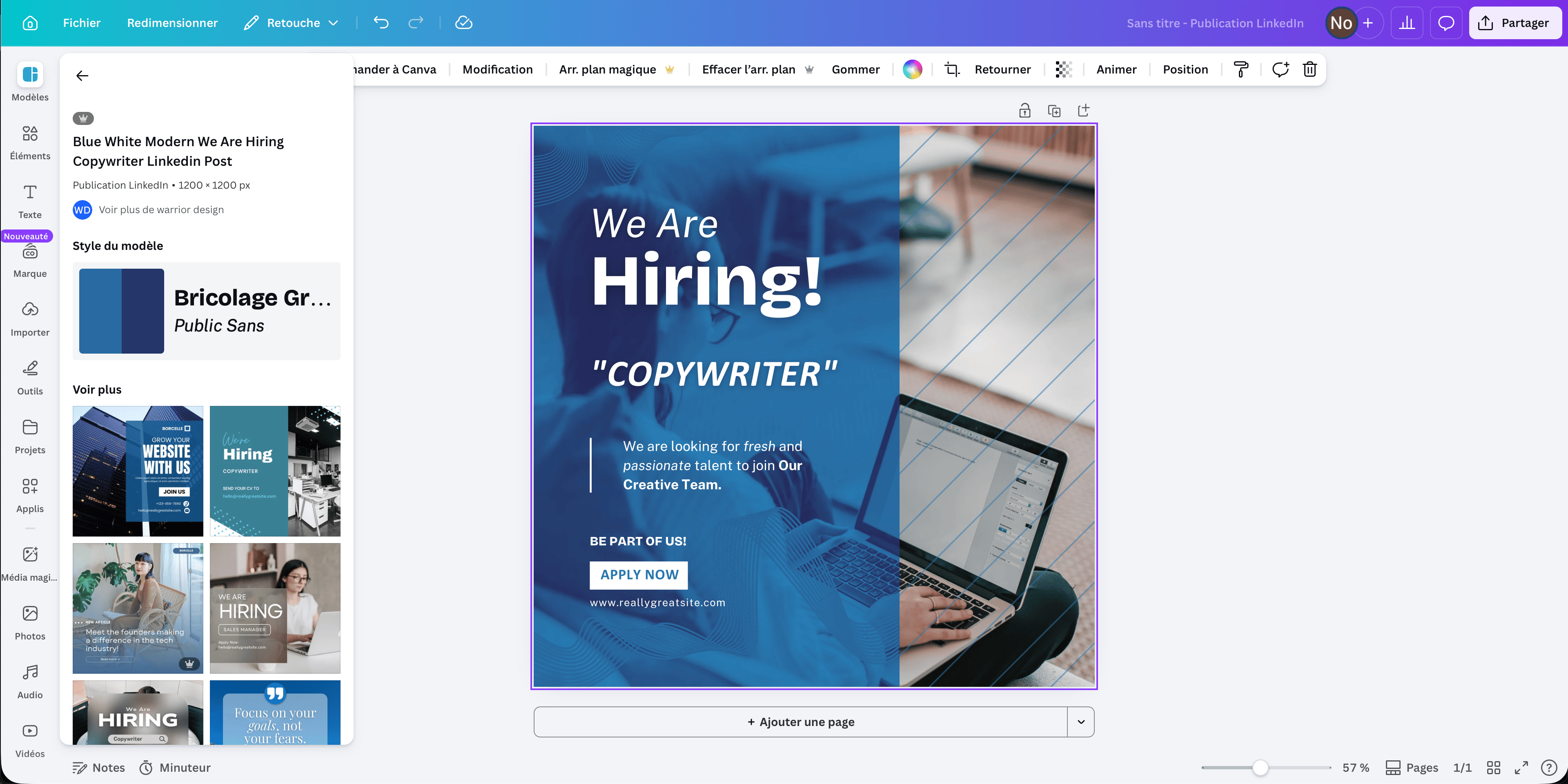
Canva is the right choice if you are a designer who wants pixel-perfect control over every element, or if you already use Canva for other design work and want to keep everything in one tool. It is not the right choice if you want AI to generate your carousel content automatically.
Key Features
- 940+ carousel templates: Large library of LinkedIn-sized templates (1080x1350px recommended), many available on the free plan.
- Magic Write: AI text generation for general copy, but not carousel-specific.
- Brand Kit (Pro): Save brand colors, fonts, and logos for consistent design.
- Magic Resize (Pro): Resize designs for different platforms.
- Extensive asset library: Millions of stock photos, icons, illustrations, and design elements.
Pricing
| Plan | Price | Key Features |
|---|---|---|
| Free | $0 | Basic templates, 5 GB storage, PDF export |
| Pro | $10/mo (yearly) | Brand Kit, Magic Resize, premium templates, 1 TB storage |
| Business | $20/user/mo | Team features, advanced brand controls |
- +Largest template library (940+ carousel templates)
- +Full creative control over every design element
- +Generous free plan with PDF export
- +Versatile — use for all your design needs, not just carousels
- +Well-established platform with massive community
- −No AI carousel generation — you write text and design manually
- −Time-consuming: 25-45 minutes per carousel in our testing
- −Not built for LinkedIn — generic design tool with carousel templates
- −No direct LinkedIn publishing
- −Brand Kit requires Pro plan ($10/mo)
Canva
3. Taplio — Best for LinkedIn Power Users
Taplio is a comprehensive LinkedIn growth platform that includes a carousel maker as part of its broader toolkit. If you already use Taplio for LinkedIn scheduling, analytics, and lead generation, its carousel builder is a natural fit. However, at $32/month minimum (yearly billing), it's one of the more expensive options purely for carousel creation.
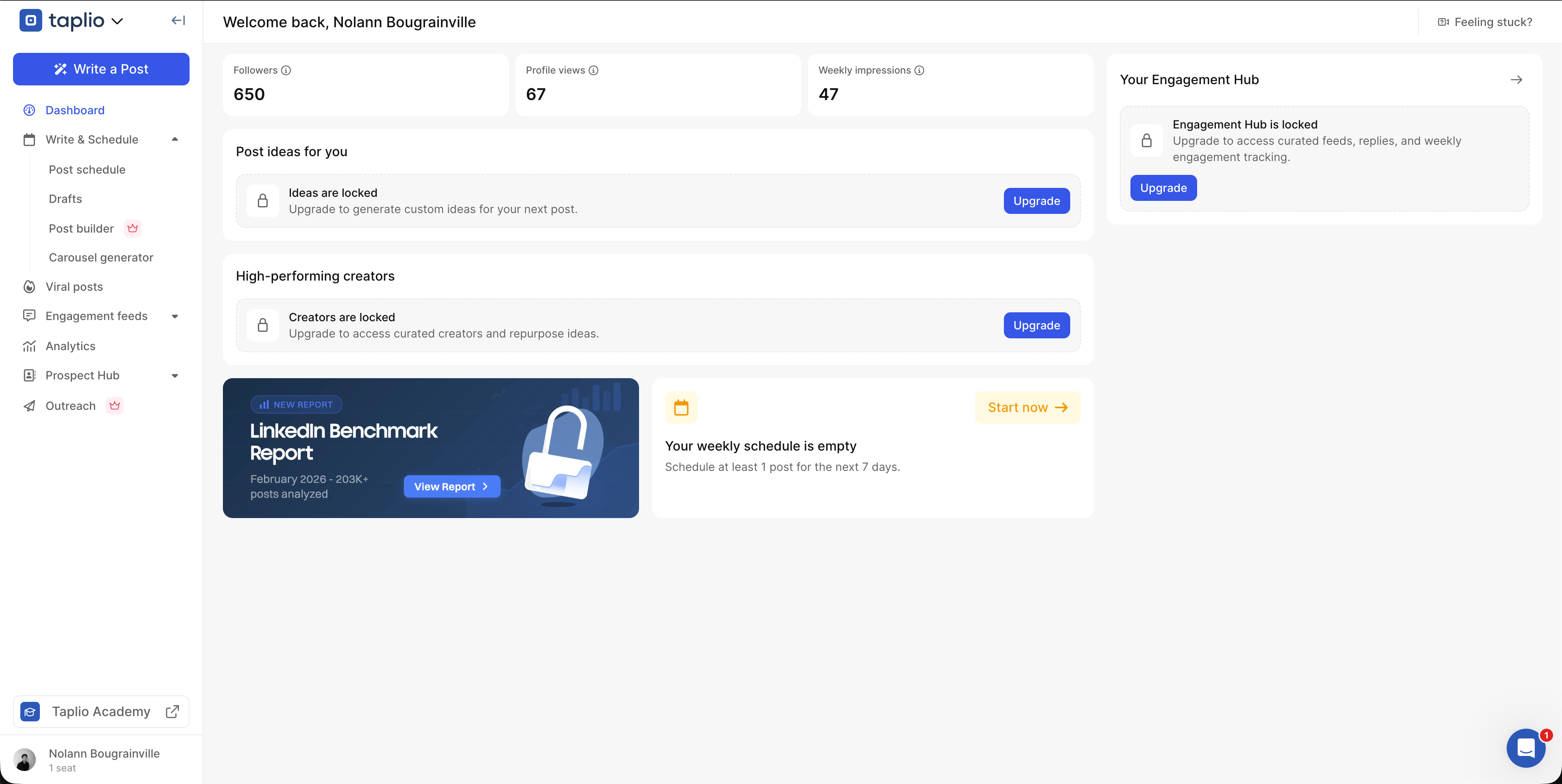
Taplio's carousel builder can auto-generate carousels from blog posts, LinkedIn posts, or web pages. The AI capabilities require the Growth plan ($49/month yearly), which adds AI writing, content repurposing, and a copilot feature. The Starter plan includes the carousel builder but no AI.
Key Features
- Carousel builder with templates: Pre-designed layouts, customizable fonts and colors.
- Auto-generate from content: Turn blog posts, LinkedIn posts, or web URLs into carousels.
- LinkedIn scheduling: Create and schedule carousels in one flow.
- AI copilot (Growth+): AI-assisted writing and content generation.
- Analytics: Track carousel performance within the platform.
Pricing
| Plan | Price (yearly) | AI Credits |
|---|---|---|
| Starter | $32/mo | 0 (no AI) |
| Growth | $49/mo | 250/month |
| Pro | $149/mo | Unlimited |
- +All-in-one LinkedIn platform (scheduling, analytics, carousels)
- +Auto-generate carousels from existing content (URLs, posts, articles)
- +Built-in scheduling — no need for a separate tool
- +Strong LinkedIn analytics and growth features
- −Expensive for carousel-only use ($32/mo minimum)
- −No AI on the Starter plan — AI requires Growth ($49+/mo)
- −No free plan (7-day trial only)
- −Carousel builder is secondary to the main LinkedIn growth platform
Taplio
4. PostNitro — Best on a Budget
PostNitro is an AI-powered carousel generator with the most affordable paid plan in this comparison at $10/month. It supports multiple platforms (LinkedIn, Instagram, TikTok, X, Threads) and offers AI text generation powered by GPT-4o and Claude.
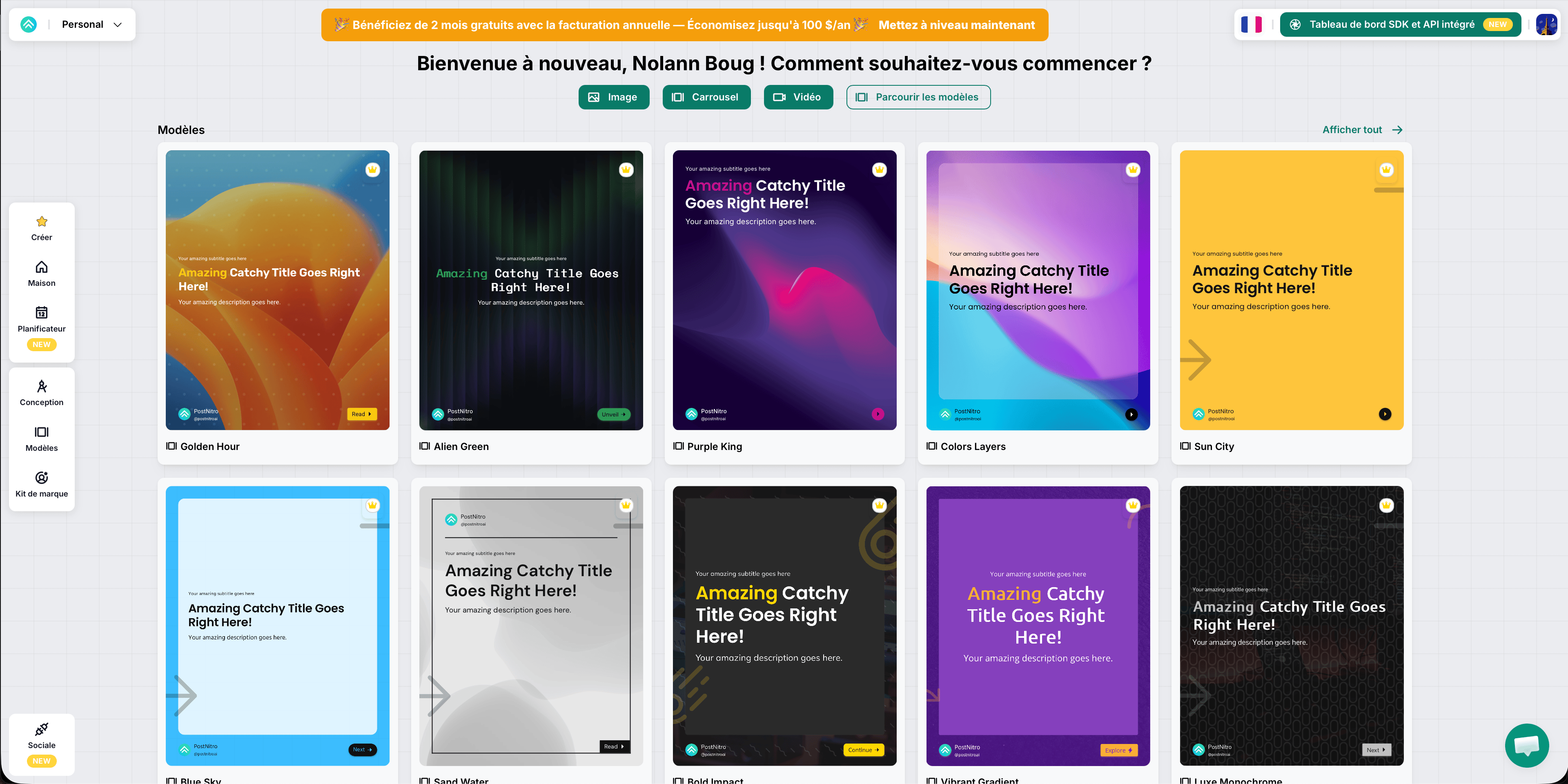
PostNitro's strength is its price-to-feature ratio. For $10/month, you get AI carousel generation with custom branding and high-resolution exports. The free plan is limited to 5 downloads with a watermark, making it more of a trial than a permanent option.
Key Features
- Multi-platform carousels: LinkedIn, Instagram, TikTok, X, and Threads.
- AI text generation: Powered by GPT-4o (Starter), Claude Sonnet (Creator), and Claude Opus (Team).
- Custom branding: Upload fonts, colors, logos from the Starter plan.
- 20+ image generation models: Flux, Stable Diffusion, SDXL, and more.
- Content scheduling (Creator+): Schedule posts directly.
Pricing
| Plan | Price | Downloads/month | AI Models |
|---|---|---|---|
| Free | $0 | 5 (watermarked) | GPT-4o-Mini |
| Starter | $10/mo | 30 | GPT-4o, Claude Haiku |
| Creator | $20/mo | 100 | Claude Sonnet |
| Team | $50/mo | Unlimited | All models |
- +Most affordable paid plan ($10/mo)
- +Multi-platform support (not just LinkedIn)
- +Multiple AI models to choose from
- +AI image generation built-in
- −Free plan is very limited (5 downloads, watermarked)
- −No direct LinkedIn publishing
- −AI generates text but uses predefined layout templates
- −No conversational AI editing — regenerate or edit manually
- −Carousel creation takes 5-10 minutes (template selection + customization)
PostNitro
5. Supergrow — Best for LinkedIn Content Creators
Supergrow is a LinkedIn content creation platform with carousel generation as part of its broader suite. Similar to Taplio, it bundles carousels with scheduling, analytics, and AI writing — but at a lower entry price starting at $12/month (yearly).
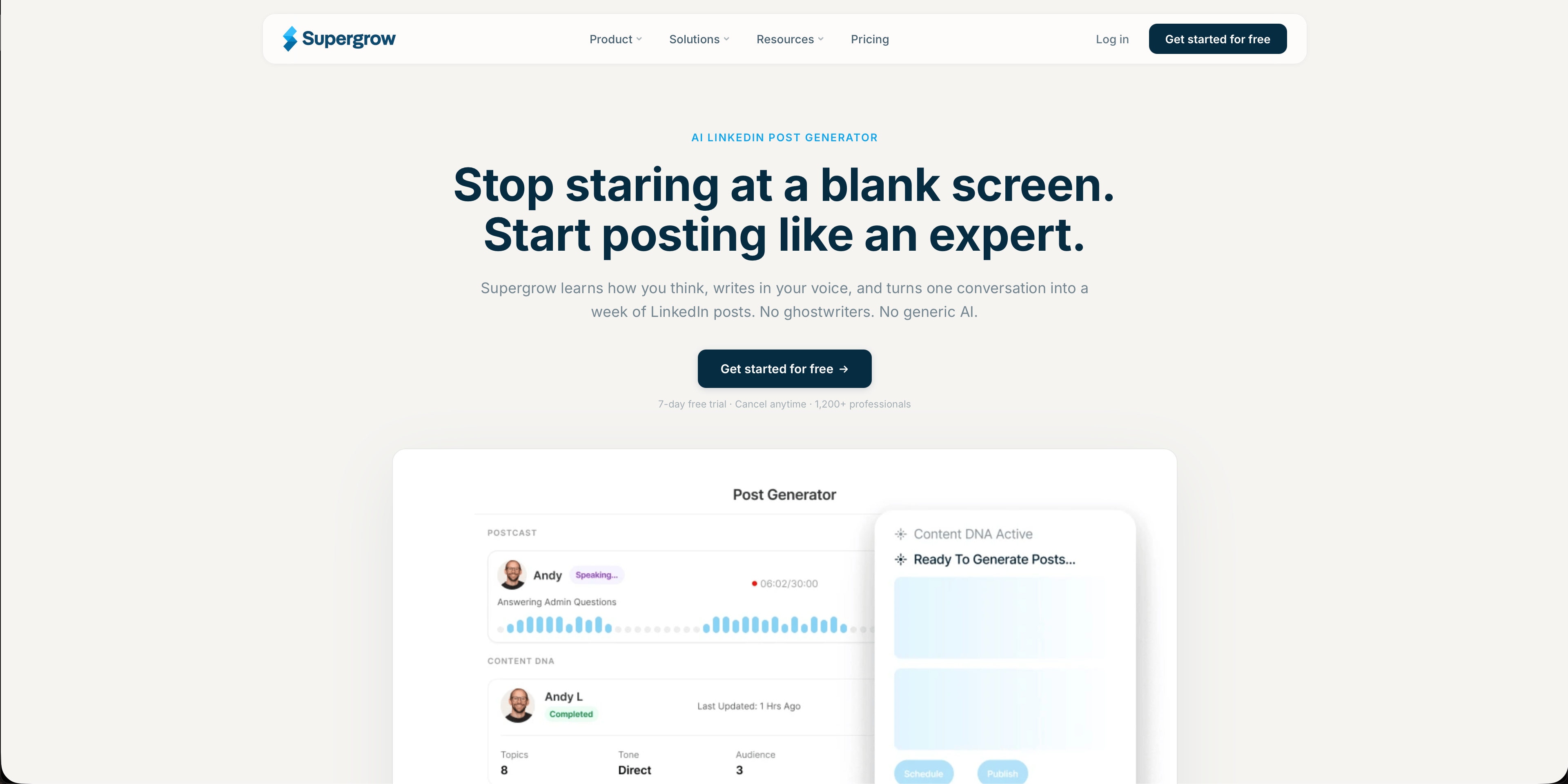
Supergrow's differentiator is its voice-to-post feature and AI style learning. The AI analyzes your past LinkedIn posts and replicates your writing style in generated content, including carousels. It also repurposes content from YouTube videos, blog posts, and PDFs into carousels.
Key Features
- AI carousel generation: Create carousels from prompts, URLs, or voice input.
- Style learning: AI replicates your personal writing style based on past posts.
- Voice-to-Post: Speak ideas and convert them to LinkedIn carousels.
- Content repurposing: Turn YouTube videos, blogs, and PDFs into carousels.
- LinkedIn scheduling and analytics: Built into the platform.
Pricing
| Plan | Price (yearly) | Key Features |
|---|---|---|
| Starter | $12/mo | Carousel maker, AI writing, scheduling |
| Pro | $24/mo | Advanced AI, analytics, team features |
| Agency | Custom | White-label, multi-account management |
- +AI learns and replicates your personal writing style
- +Voice-to-Post feature for quick idea capture
- +Content repurposing from video, blogs, and PDFs
- +Affordable entry price ($12/mo yearly)
- +Direct LinkedIn publishing and scheduling
- −No permanent free plan (trial only)
- −Carousel design templates are less customizable than competitors
- −Smaller company — less established than Canva or Taplio
- −Full carousel features may require Pro tier ($24/mo)
Supergrow
6. Piktochart — Best for Visual-Heavy Carousels
Piktochart is primarily known as an infographic maker, but it has expanded into LinkedIn carousel generation with a dedicated AI tool. Piktochart generates up to 6 unique carousel variations simultaneously from a single prompt, making it easy to A/B test different approaches.

Piktochart is the right choice if your carousels rely heavily on data visualization, charts, and infographics. Its design DNA is visual storytelling, and that shows in the carousel output. However, it lacks direct LinkedIn publishing and conversational AI editing.
Key Features
- AI carousel generator: Dedicated LinkedIn carousel tool with AI text and layout generation.
- 6 variations per prompt: Generate multiple carousel options at once for A/B testing.
- Data visualization: Charts, graphs, and infographic elements built into the editor.
- AI image generation: Built into the carousel creation flow.
- Templates optimized for LinkedIn: Correct dimensions and professional layouts.
Pricing
| Plan | Price (yearly) | AI Credits/month |
|---|---|---|
| Free | $0 | 50 (watermarked exports) |
| Pro | $14/mo | 1,000 |
| Business | $24/mo | 3,000 |
- +Generates 6 carousel variations per prompt — great for testing
- +Strong data visualization and infographic capabilities
- +Dedicated LinkedIn carousel tool (not an afterthought)
- +Affordable Pro plan ($14/mo yearly)
- +Generous free plan with 50 AI credits
- −No direct LinkedIn publishing
- −No conversational AI editing
- −Watermark on free plan exports
- −Less focused on LinkedIn than dedicated tools (Taplio, Supergrow)
- −No brand kit on free plan
Piktochart
7. Visme — Best for Data-Driven Content
Visme is a design and presentation tool with strong data visualization capabilities. It offers LinkedIn carousel templates and an AI-assisted design workflow, but carousel creation is not its primary focus. Visme shines when your carousels need embedded charts, interactive elements, or complex data presentations.
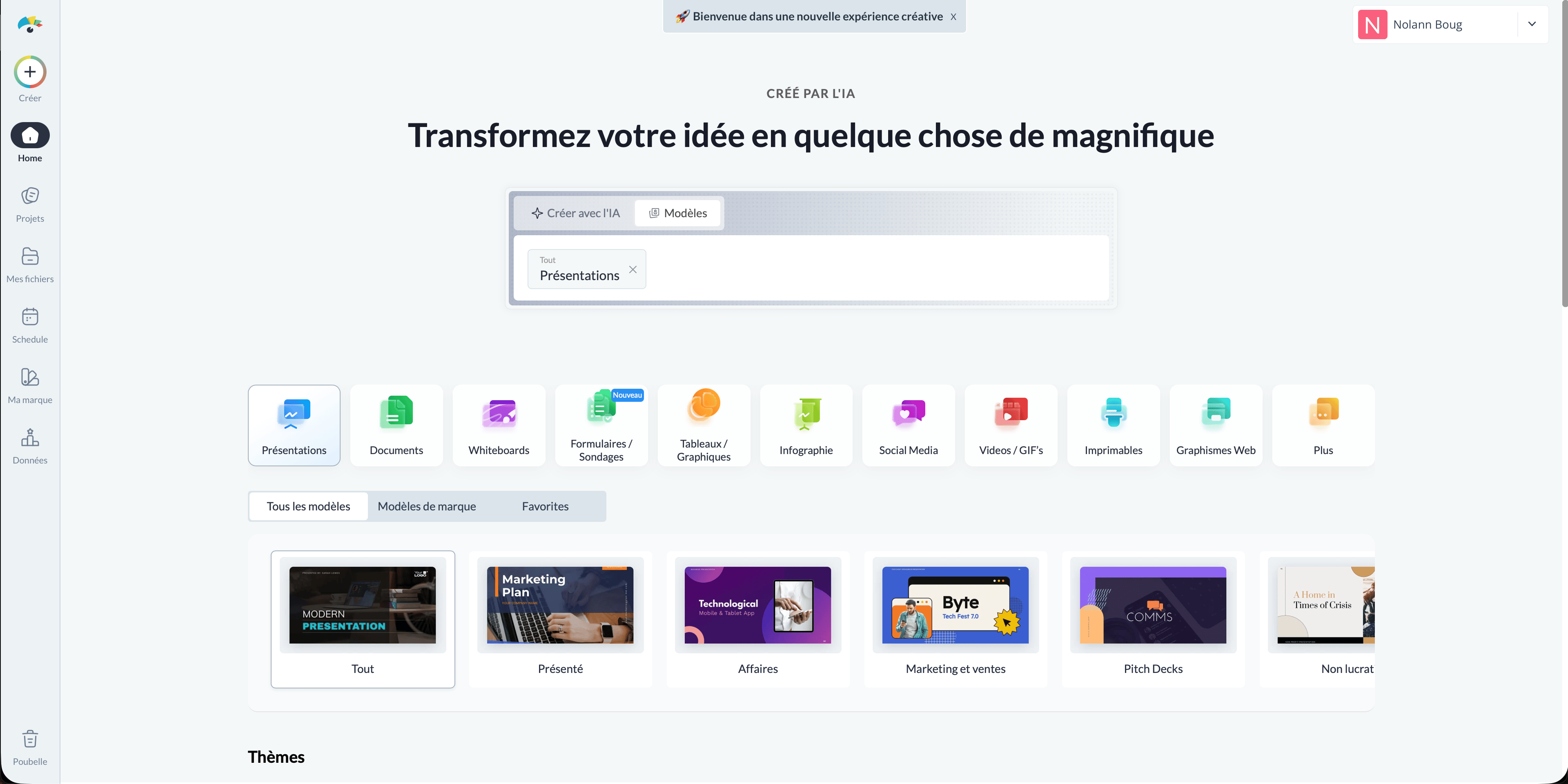
Visme's AI capabilities are limited compared to dedicated carousel generators. The tool provides AI credits for design assistance, but there's no one-click carousel generation from a prompt. You'll still be working with templates and manually entering content.
Key Features
- Data visualization: Charts, graphs, maps, and interactive data widgets.
- LinkedIn templates: Professional carousel templates with data-friendly layouts.
- AI design assistance: AI credits for design suggestions and text generation.
- Animation and interactivity: Animated exports (better for web embeds than LinkedIn).
- HTML5 export (Pro): Create interactive web content alongside static carousels.
Pricing
| Plan | Price | AI Credits/month |
|---|---|---|
| Free | $0 | 10 (watermarked) |
| Starter | $29/mo | 200 |
| Pro | $59/mo | 500 |
- +Best data visualization among all tools tested
- +Professional templates with strong visual design
- +Interactive and animated content options
- +HTML5 export for web embeds
- −Most expensive starting plan ($29/mo)
- −No AI carousel generation from prompt
- −Watermark on free plan
- −Not purpose-built for LinkedIn — general design tool
- −PDF export only on Starter+ plan
- −Carousel creation takes 20-30 minutes (template-based workflow)
Visme
Side-by-Side Pricing Comparison
| Tool | Free Plan | Starter Price | Best Paid Plan for Carousels | Annual Discount |
|---|---|---|---|---|
| Carousels Generator | Yes (30 credits, 5 carousels) | €19/mo | Pro €49/mo | ~17% |
| Canva | Yes (generous) | $10/mo yearly | Pro $10/mo | Yes ($120/yr) |
| Taplio | No (7-day trial) | $32/mo yearly | Growth $49/mo | Yes |
| PostNitro | Yes (5 downloads, watermark) | $10/mo | Creator $20/mo | No |
| Supergrow | No (trial only) | $12/mo yearly | Pro $24/mo | Yes |
| Piktochart | Yes (50 credits, watermark) | $14/mo yearly | Pro $14/mo | Yes (~50%) |
| Visme | Yes (10 credits, watermark) | $29/mo | Starter $29/mo | Not confirmed |
Which LinkedIn Carousel Generator Should You Choose?
Best overall: Carousels Generator
If you want the fastest path from idea to published LinkedIn carousel, Carousels Generator is the clear winner. It is the only tool that generates both text and design from a single prompt, with conversational AI editing and direct LinkedIn publishing. Best for anyone who values speed and consistency over pixel-perfect design control. Try it free →
Best for designers: Canva
If you're already a Canva user and want full creative control over every slide, Canva's massive template library and design tools are unmatched. Just be prepared to spend 25-45 minutes per carousel instead of 60 seconds.
Best for LinkedIn power users: Taplio
If you need an all-in-one LinkedIn growth platform with scheduling, analytics, lead generation, AND carousel creation, Taplio is the most complete package — at a premium price.
Best on a budget: PostNitro
If price is your primary concern, PostNitro offers AI carousel generation starting at $10/month across multiple platforms. The trade-off is less LinkedIn-specific optimization.
Best for content repurposing: Supergrow
If you have existing content (YouTube videos, blog posts, podcasts) and want to turn them into LinkedIn carousels automatically, Supergrow's repurposing AI is the best in class.
Best for data-heavy carousels: Piktochart
If your carousels feature charts, statistics, and infographics, Piktochart's data visualization DNA makes it the natural choice. Plus, generating 6 variations per prompt is great for testing.
Best for interactive content: Visme
If you need carousels that also work as interactive web content or animated presentations, Visme's HTML5 export and animation features go beyond what any other tool offers — at a higher price point.